Canva is separating generative creation from ordinary editing, but availability and AI labels make the change less straightforward for Filipino users.
Quick Read
- Canva AI Controls let eligible Free and Pro users hide generative features without an additional charge.
- A second setting reduces AI-generated templates and graphics in library searches and recommendations rather than removing them entirely.
- Background Remover and Magic Grab remain available and do not, by themselves, add Canva’s AI-generated metadata.
- Launch-day reporting identified the Philippines as excluded from immediate availability, with no local rollout date announced.
- AI training permissions are separate from both new settings.
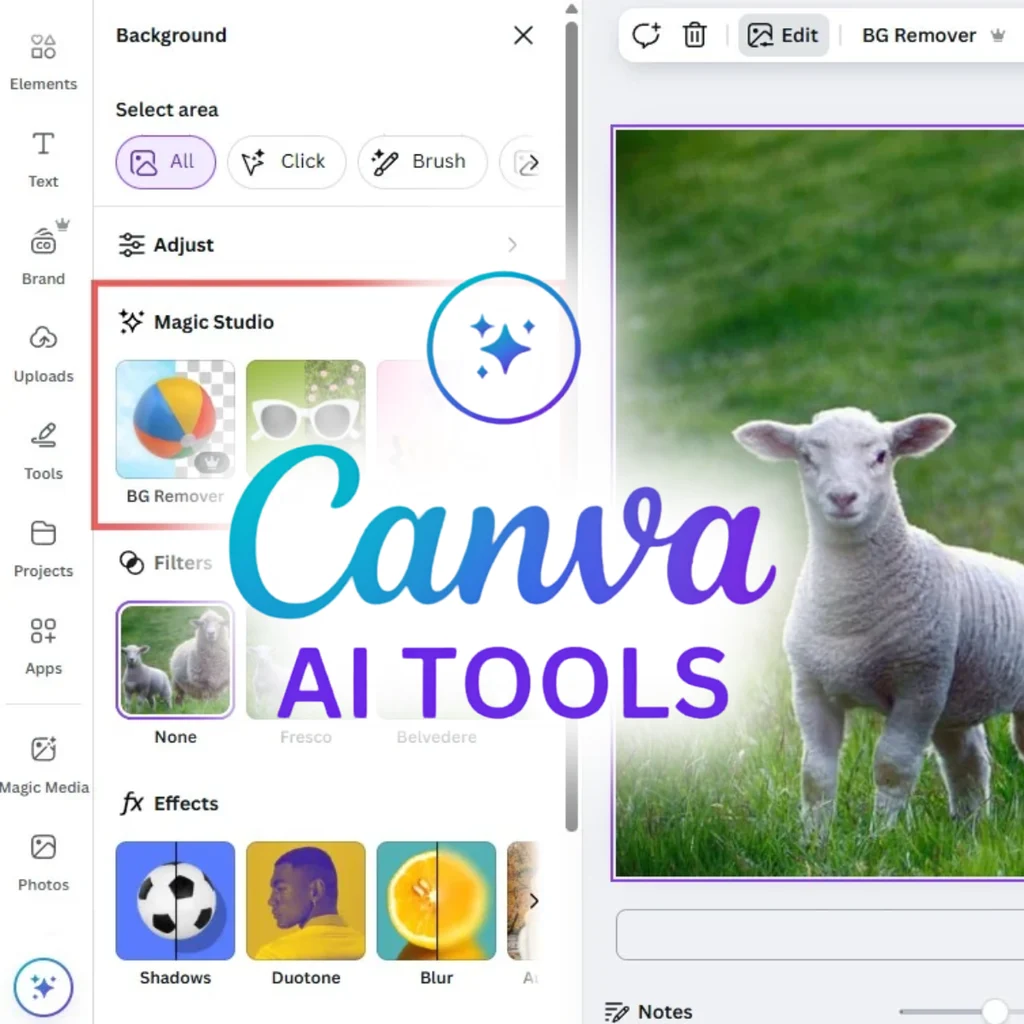
Canva is giving users the option to hide its generative AI features while keeping the design editor and familiar tools such as Background Remover. The company announced the two new settings on November 19, extending them to Free and Pro accounts without an additional fee.
For Philippine users, there is a catch. Launch-day reporting identified the Philippines, India and Indonesia as markets where the controls were not yet available. Canva’s own help documentation says the settings are being released gradually, without specifying when every account will receive them.

Canva AI Controls Separate Two Different Choices
The first setting, called Generative AI Control, lets an eligible user turn off generative features across Canva. When disabled, those tools disappear from the interface. The decision is reversible, and existing designs remain intact.
The switch covers more than image generation. Canva’s help guide lists Magic Write, Magic Design, Magic Edit, Magic Media, Dream Lab, Canva Code and other creation features among the tools affected. The company says future generative features will also follow this preference once integrated.
The second setting addresses the library rather than the editing tools. Under AI Personalization, users can choose to see fewer AI-generated templates and elements in search results and recommendations. That does not erase AI-made assets from Canva or guarantee every result is human-made.

These Canva AI Controls solve different problems. One reduces access to content-generation tools. The other changes the mix of ready-made assets shown to a user. Someone who wants AI writing assistance but prefers human-created illustrations can keep the first feature enabled and adjust the second.
Canva says the library includes AI-generated illustrations and backgrounds alongside work supplied by its creator community. Reducing the visibility of AI-made assets could make it easier for designers to find human-produced work without manually sorting through as many suggestions.
An AI Off Switch Still Leaves Assistive Editing Available
Canva draws a line between software that creates new content and software that manipulates an existing image. The generative switch does not remove Background Remover, which isolates a subject from a photograph, or Magic Grab, which lets an editor move an object already in a picture.

That difference matters to social media managers, agencies and publishers. A team might use AI-assisted editing to prepare product photographs or campaign graphics while avoiding generated images, text and layouts. The new controls allow that distinction at the product level instead of asking users to abandon the editor.
There is also a labeling issue. Canva says Background Remover and Magic Grab alone do not add metadata marking a design as AI-generated. By contrast, Canva says some AI-generated assets in its library carry identifying metadata that other services may recognize.
However, turning on the Canva AI Controls is not a guarantee that social networks will never apply AI labels. Each platform may use its own detection methods and labeling rules. The new settings govern Canva’s features and recommendations, not the decisions made by Facebook, Instagram or other services after an image is uploaded.

Philippine Users May Not See the Settings Yet
Canva says individual Free and Pro users can access the controls at no extra cost as their accounts become eligible. For the generative switch, the documented route is Profile, Settings, Permissions, then Enable generative AI features.
The library preference sits under Profile, Your account, AI Personalization, where the option for AI-generated content can be turned off. Despite the similar purpose, these are independent settings.
At launch on November 19, reporting identified the Philippines as excluded from immediate availability, along with India and Indonesia. Canva’s help page separately warns that the rollout is gradual, so an account may not yet show the controls. The company has not provided a Philippine rollout date in its announcement.
There is a further distinction for workplaces. Canva Business, Teams, Enterprise and Education already have administrator-managed AI permissions, but the new individual switches are documented for Free and Pro users. The library filtering preference is not yet offered on the other plans, according to the help guide.
Turning Off Generative Tools Does Not Change AI Training Preferences
Another limit is easy to miss. The Canva AI Controls do not change whether information in an account may be used to train or improve AI systems.
Canva handles that question through separate privacy settings. Its privacy policy explains that users can manage preferences for data used in AI training, while the new feature settings control which tools and library suggestions they encounter. Hiding the AI interface should not be mistaken for opting out of model training.

For an agency working on confidential client material, those are distinct operational decisions. Choosing which tools staff may use is not equivalent to reviewing where their uploaded content can go, and who can change the account’s privacy settings.
Canva Is Making AI Optional Without Abandoning It
The change comes from a company still investing heavily in generation. Canva says its community has used its AI tools more than 38 billion times. The new switches therefore do not mark a retreat from AI development. They offer a way to keep customers who want different levels of automation within the same design platform.
For publishers and marketing teams, that choice has practical value. A designer can assemble a post from licensed graphics and existing photographs, another can rely on prompt-based generation, and both can continue using Canva. They no longer have to accept the same default toolset once the controls reach their accounts.

The more immediate test is availability and scope. The Canva AI Controls reduce unwanted tools and suggestions, but they do not remove every AI-powered function, clear old generated assets, rewrite privacy preferences or override social media labeling decisions. For Filipino users, even that narrower choice still depends on the local rollout.
Monitor the systems, tools, and digital infrastructure decisions redefining competitive advantage in the Tech section of Hemos PH.